| .forgejo/workflows | ||
| bouquin | ||
| debian | ||
| rpm | ||
| screenshots | ||
| tests | ||
| .gitignore | ||
| .pre-commit-config.yaml | ||
| bouquin.desktop | ||
| CHANGELOG.md | ||
| Dockerfile.debbuild | ||
| Dockerfile.rpmbuild | ||
| find_unused_strings.py | ||
| LICENSE | ||
| poetry.lock | ||
| pyproject.toml | ||
| README.md | ||
| release.sh | ||
| tests.sh | ||
| vulture_ignorelist.py | ||


Bouquin

Introduction
Bouquin ("Book-ahn") is a notebook and planner application written in Python, Qt and SQLCipher.
It is designed to treat each day as its own 'page', complete with Markdown rendering, tagging, search, reminders and time logging for those of us who need to keep track of not just TODOs, but also how long we spent on them.
For those who rely on that time logging for work, there is also an Invoicing feature that can generate invoices of that time spent.
There is also support for embedding documents in a file manager.
It uses SQLCipher as a drop-in replacement for SQLite3.
This means that the underlying database for the notebook is encrypted at rest.
To increase security, the SQLCipher key is requested when the app is opened, and is not written to disk unless the user configures it to be in the settings.
There is deliberately no network connectivity or syncing intended, other than the option to send a bug report from within the app, or optionally to check for new versions to upgrade to.
Screenshots
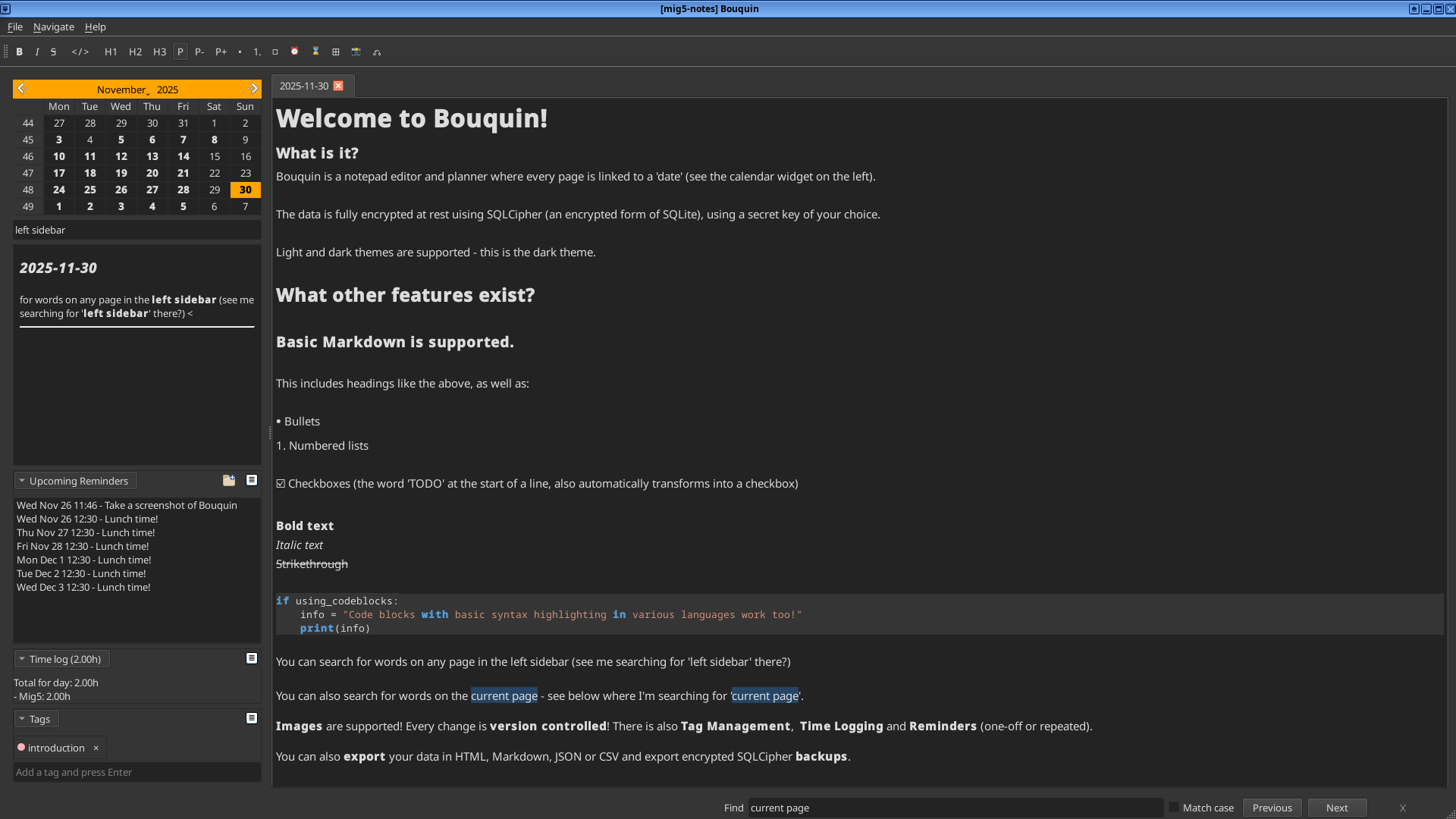
General view
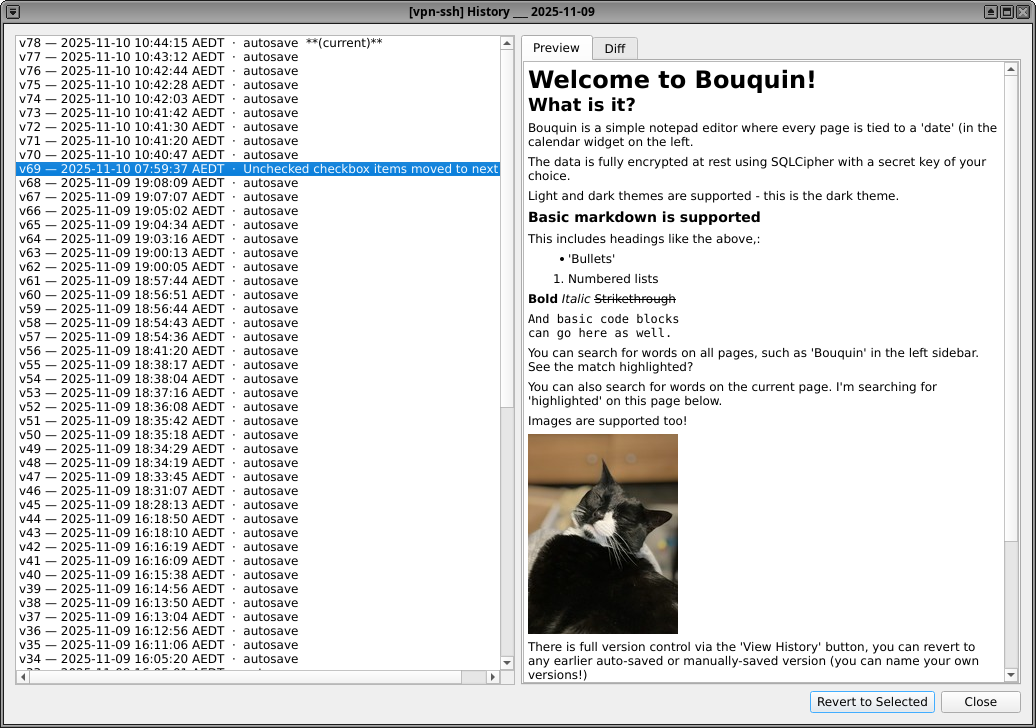
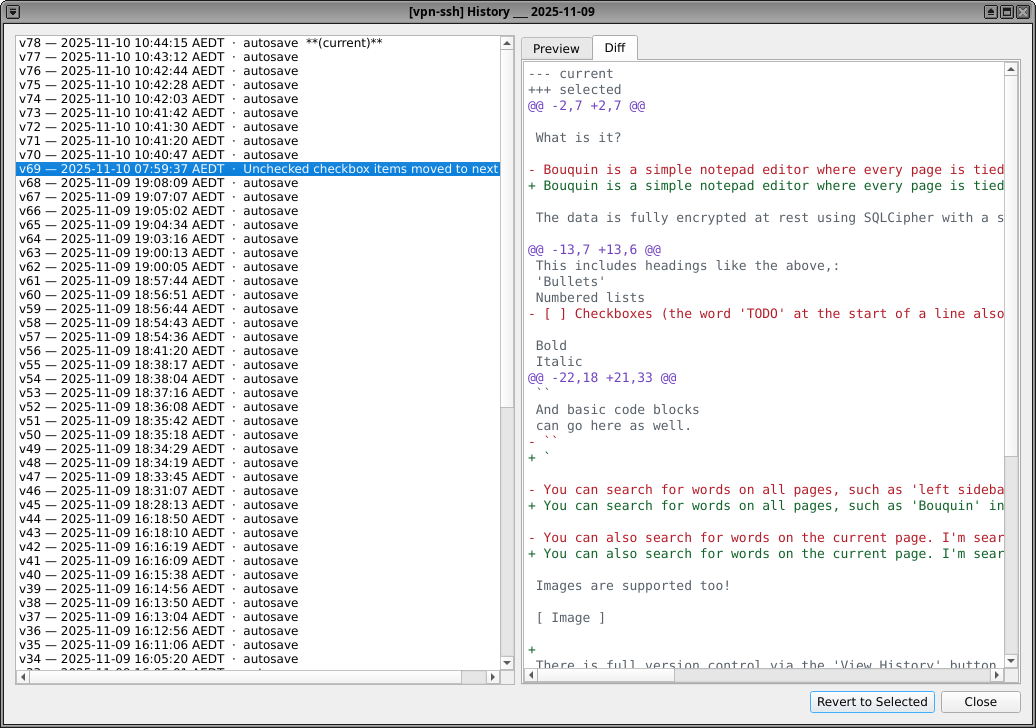
History panes
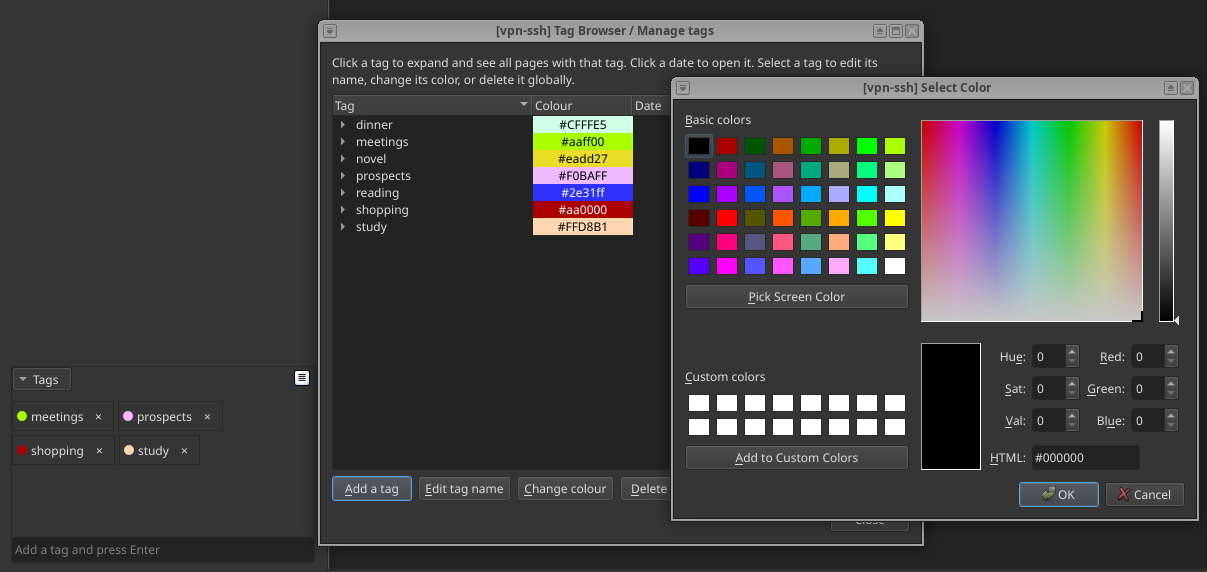
Tags
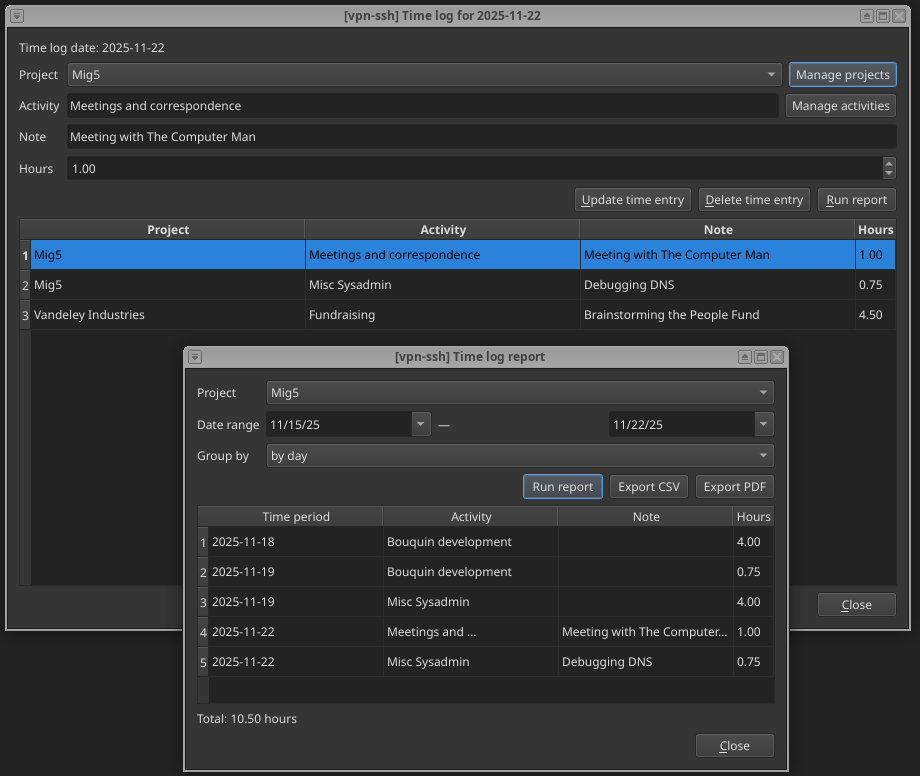
Time Logging
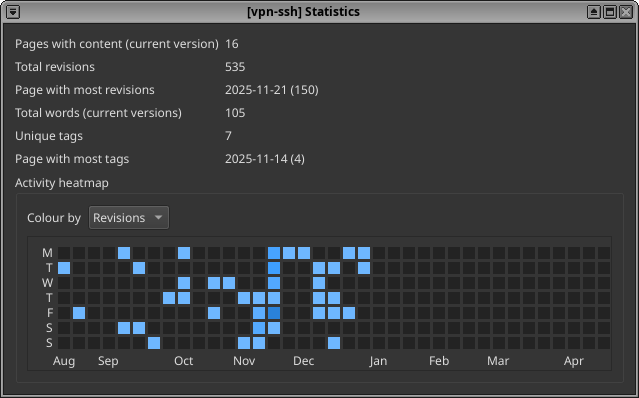
Statistics
Features
- Data is encrypted at rest
- Encryption key is prompted for and never stored, unless user chooses to via Settings
- All changes are version controlled, with ability to view/diff versions, revert or delete revisions
- Tabs are supported - right-click on a date from the calendar to open it in a new tab.
- Automatic rendering of basic Markdown syntax
- Basic code block editing/highlighting
- Ability to collapse/expand sections of text
- Ability to increase/decrease font size
- Images are supported
- Search all pages, or find text on current page
- Automatic periodic saving (or explicitly save)
- Automatic locking of the app after a period of inactivity (default 15 min)
- Rekey the database (change the password)
- Export the database to json, html, csv, markdown or .sql (for sqlite3)
- Backup the database to encrypted SQLCipher format (which can then be loaded back in to a Bouquin)
- Dark and light theme support
- Automatically generate checkboxes when typing 'TODO'
- It is possible to automatically move unchecked checkboxes from the last 7 days to the next day.
- English, French and Italian locales provided
- Ability to set reminder alarms (which will be flashed as the reminder or can be sent as webhooks/email notifications)
- Ability to log time per day for different projects/activities, pomodoro-style log timer, timesheet reports and invoicing of time spent
- Ability to store and tag documents (tied to Projects, same as the Time Logging system). The documents are stored embedded in the encrypted database.
- Add and manage tags on pages and documents
How to install
Unless you are using the Debian option below:
- Make sure you have
libxcb-cursor0installed (on Debian-based distributions) orxcb-util-cursor(RedHat/Fedora-based distributions). - If downloading from my Forgejo's Releases page, you may wish to verify the GPG signatures with my GPG key.
Debian 13 ('Trixie')
sudo mkdir -p /usr/share/keyrings
curl -fsSL https://mig5.net/static/mig5.asc | sudo gpg --dearmor -o /usr/share/keyrings/mig5.gpg
echo "deb [arch=amd64 signed-by=/usr/share/keyrings/mig5.gpg] https://apt.mig5.net $(lsb_release -cs) main" | sudo tee /etc/apt/sources.list.d/mig5.list
sudo apt update
sudo apt install bouquin
Fedora 42
sudo rpm --import https://mig5.net/static/mig5.asc

sudo tee /etc/yum.repos.d/mig5.repo > /dev/null << 'EOF'
[mig5]
name=mig5 Repository
baseurl=https://rpm.mig5.net/rpm/$basearch
enabled=1
gpgcheck=1
repo_gpgcheck=1
gpgkey=https://mig5.net/static/mig5.asc
EOF

sudo dnf upgrade --refresh
sudo dnf install bouquin
From PyPi/pip
pip install bouquin
From AppImage
- Download the Bouquin.AppImage from the Releases page, make it executable with
chmod +x, and run it.
From source
- Clone this repo or download the tarball from the releases page
- Ensure you have poetry installed
- Run
poetry installto install dependencies - Run
poetry run bouquinto start the application.
Alternatively, you can download the source code and wheels from Releases as well.